
Google Analytics and Google Tag Manager: A Complete Guide for Website Tracking
In today’s digital world, data is the backbone of smart business decisions. Whether you run a blog, an e-commerce store, or a corporate website, understanding how users interact with your site is essential. Two of the most powerful tools for tracking and analyzing user behavior are Google Analytics and Google Tag Manager. Together, they help businesses measure performance, improve marketing strategies, and optimize user experience.
What Is Google Analytics?
Google Analytics (GA) is a free web analytics tool provided by Google that allows website owners to track and analyze visitor activity. It provides detailed insights into how users find your website, what actions they take, and how long they stay.
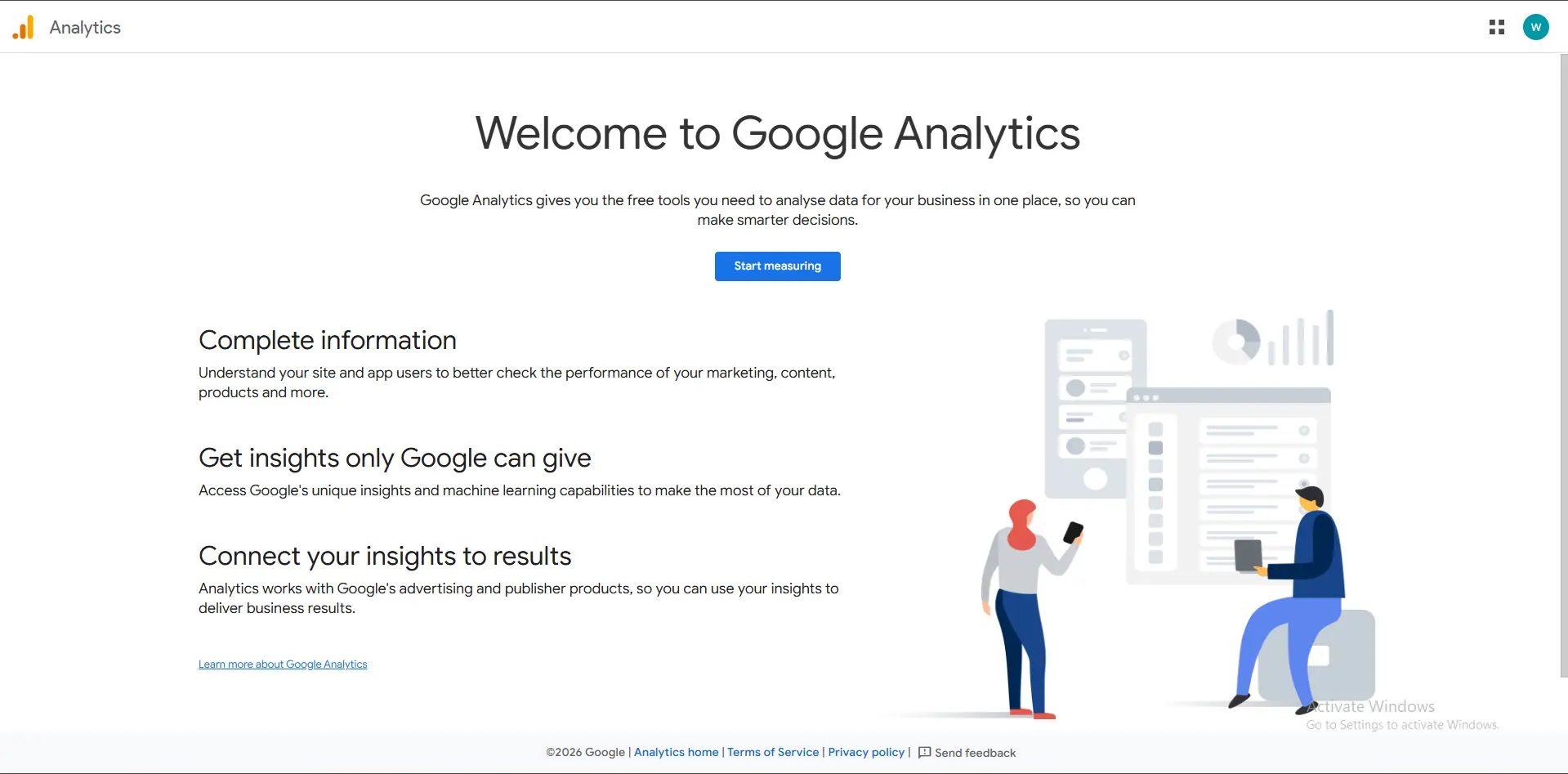
Table of Contents
Key Features of Google Analytics
- User Behavior Tracking: Monitor page views, sessions, bounce rate, and average session duration.
- Traffic Sources: Identify where visitors come from, such as search engines, social media, referrals, or paid ads.
- Audience Insights: Analyze demographics, locations, devices, and interests.
- Conversion Tracking: Measure goals like form submissions, purchases, and sign-ups.
- Real-Time Data: See what users are doing on your site at any given moment.
With Google Analytics 4 (GA4), tracking is event-based, offering deeper insights into user journeys across websites and apps.
What Is Google Tag Manager?
Google Tag Manager (GTM) is a tag management system that allows you to add, update, and manage tracking codes (tags) on your website without editing the site’s code directly.
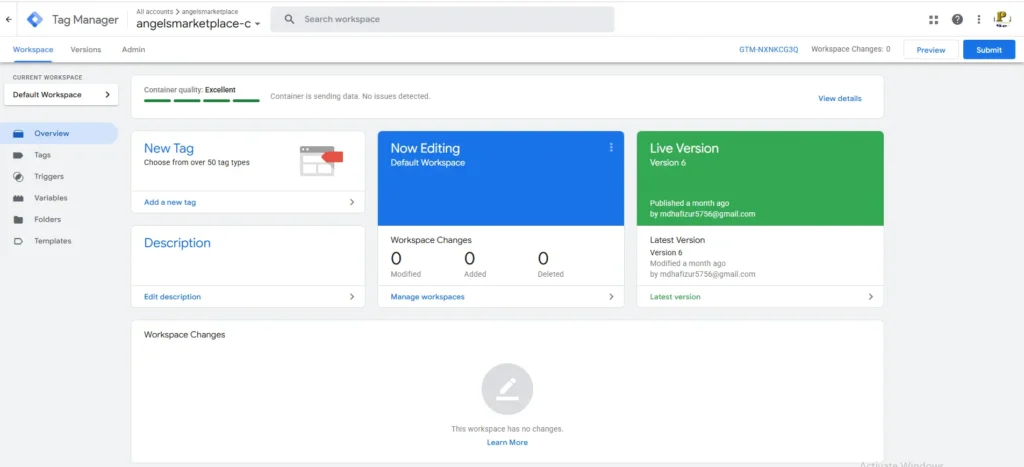
Key Features of Google Tag Manager
- Easy Tag Management: Add analytics, marketing, and remarketing tags from one dashboard.
- No Coding Required: Marketers can deploy tags without relying heavily on developers.
- Built-In Triggers: Track specific actions like button clicks, form submissions, scroll depth, and video views.
- Version Control: Roll back changes if something goes wrong.
- Debug Mode: Test and verify tags before publishing them live.
GTM improves efficiency, reduces errors, and speeds up the deployment of tracking scripts.
How Google Analytics and Google Tag Manager Work Together
Google Analytics and Google Tag Manager are most powerful when used together. GTM acts as the delivery system, while Google Analytics is the data analysis platform.
Here’s how they work together:
- GTM is installed on your website once.
- Google Analytics tracking code is added inside GTM as a tag.
- GTM triggers events (page views, clicks, conversions).
- Google Analytics collects and reports the data.
This setup allows advanced tracking without repeatedly changing website code.
Benefits of Using Google Analytics and Google Tag Manager
- Better Marketing Decisions: Understand which campaigns drive real results.
- Improved Website Performance: Identify high-performing and underperforming pages.
- Accurate Conversion Tracking: Measure ROI from ads and content.
- Time and Cost Efficiency: Reduce dependency on developers.
- Scalable Tracking: Easily add new tools like Google Ads, Facebook Pixel, or Hotjar.
Common Use Cases
- Tracking e-commerce sales and revenue
- Measuring form submissions and lead generation
- Monitoring button clicks and user interactions
- Setting up remarketing and conversion pixels
- Analyzing user journeys across multiple devices
Conclusion
Google Analytics and Google Tag Manager are essential tools for any business that wants to grow online. Google Analytics helps you understand your audience, while Google Tag Manager gives you full control over your tracking setup. When combined, they provide accurate data, better insights, and smarter optimization strategies.
If you want to make data-driven decisions and improve your digital marketing performance, mastering Google Analytics and Google Tag Manager is a must.